


















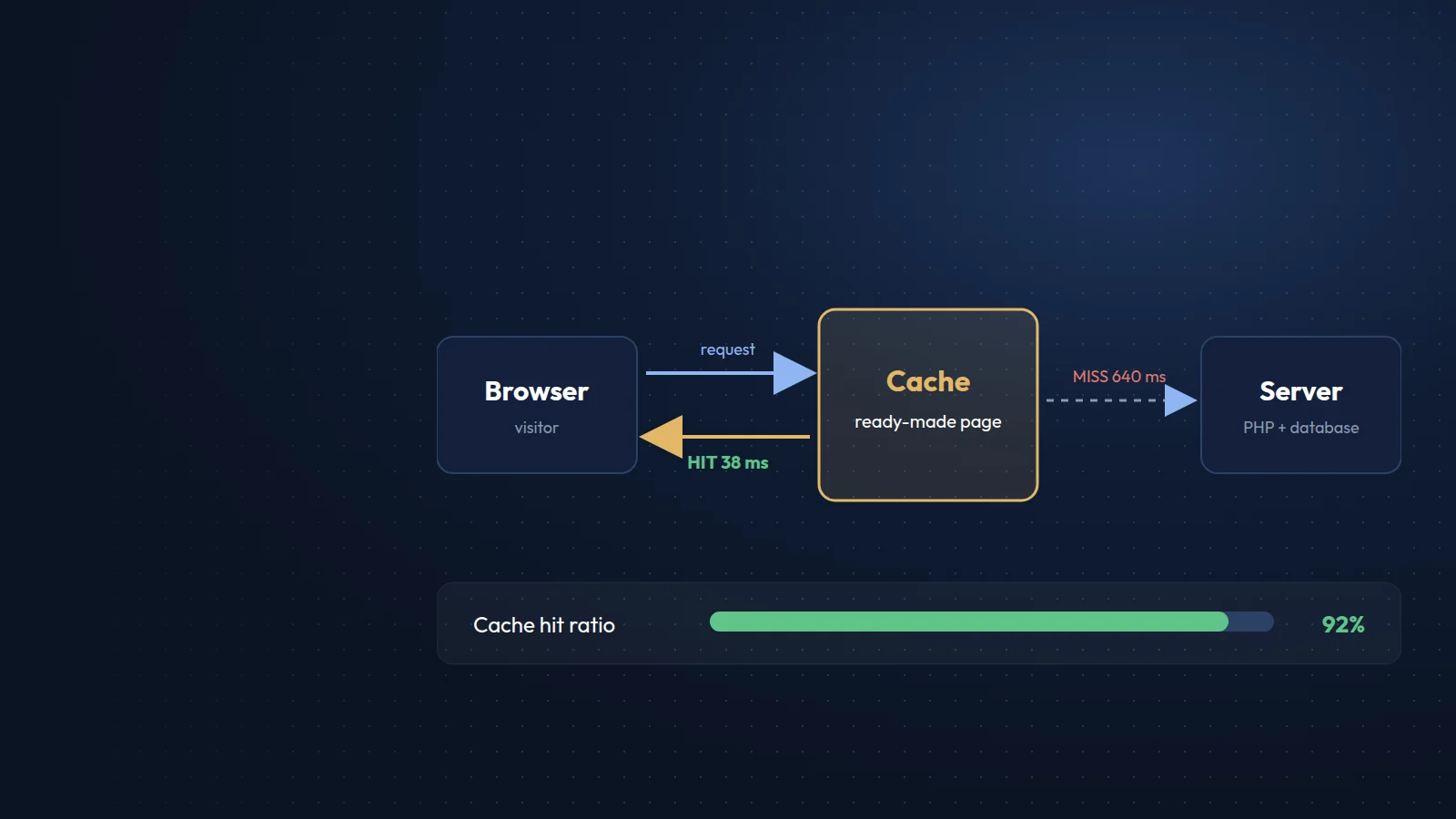
Caching means keeping a ready-made copy of something so it does not have to be created or downloaded again. On a website, good caching can turn a page that takes a second to build into one that is served in a few milliseconds, and it can let the same server handle many times more visitors.
Why it matters
Every time a visitor opens a page on a dynamic site, such as WordPress, the server runs code, queries the database and assembles HTML. The browser then downloads images, stylesheets, scripts and fonts. Caching removes repeated work at each of these steps. The result is faster pages, better Core Web Vitals, lower hosting costs and a site that stays up during traffic spikes.
The main types of caching
- Browser caching. The server tells the browser to keep files such as images, CSS and JavaScript for a period of time, so returning visitors and other pages load them from the device instead of the network.
- Page caching. The server stores the finished HTML of a page and serves it directly, skipping the code and database work. This is the biggest single improvement for most CMS-based sites.
- Object caching. Results of database queries and other expensive operations are kept in memory, using tools such as Redis or Memcached. Especially useful for shops, directories and logged-in areas where full-page caching is limited.
- Opcode caching. PHP keeps compiled code in memory (OPcache), so scripts do not need to be compiled on every request.
- CDN caching. A content delivery network keeps copies of your files, and sometimes whole pages, on servers around the world, close to your visitors.
Settings that make the biggest difference
- Long cache lifetimes for static files, combined with versioned file names (for example site.css?v=8a1f) so updates still reach visitors immediately.
- Full-page caching for anonymous visitors on WordPress and similar systems.
- Compression with Brotli or gzip for text files.
- Rules that exclude carts, checkouts, account pages and forms from page caching.
Common pitfalls
- Visitors seeing old content after an update, because the cache was not cleared.
- Personal information cached and shown to the wrong user, usually because logged-in pages were not excluded.
- Several caching plugins fighting each other. Use one well-configured solution.
This site is a good example of the simplest form of caching: it is generated in advance as static HTML, so there is nothing to build on each request, and every asset is versioned and cached by the browser.