










Free tools
SSL and security headers checker
Enter a domain to check its certificate, its redirect from http to https and the security headers that protect visitors from common attacks.
How to use it
How to use it
- 01
Enter the domain or full address
- 02
Check the days left on the certificate and that it is trusted
- 03
Add the missing headers in your server or hosting settings
What you should know
What you should know
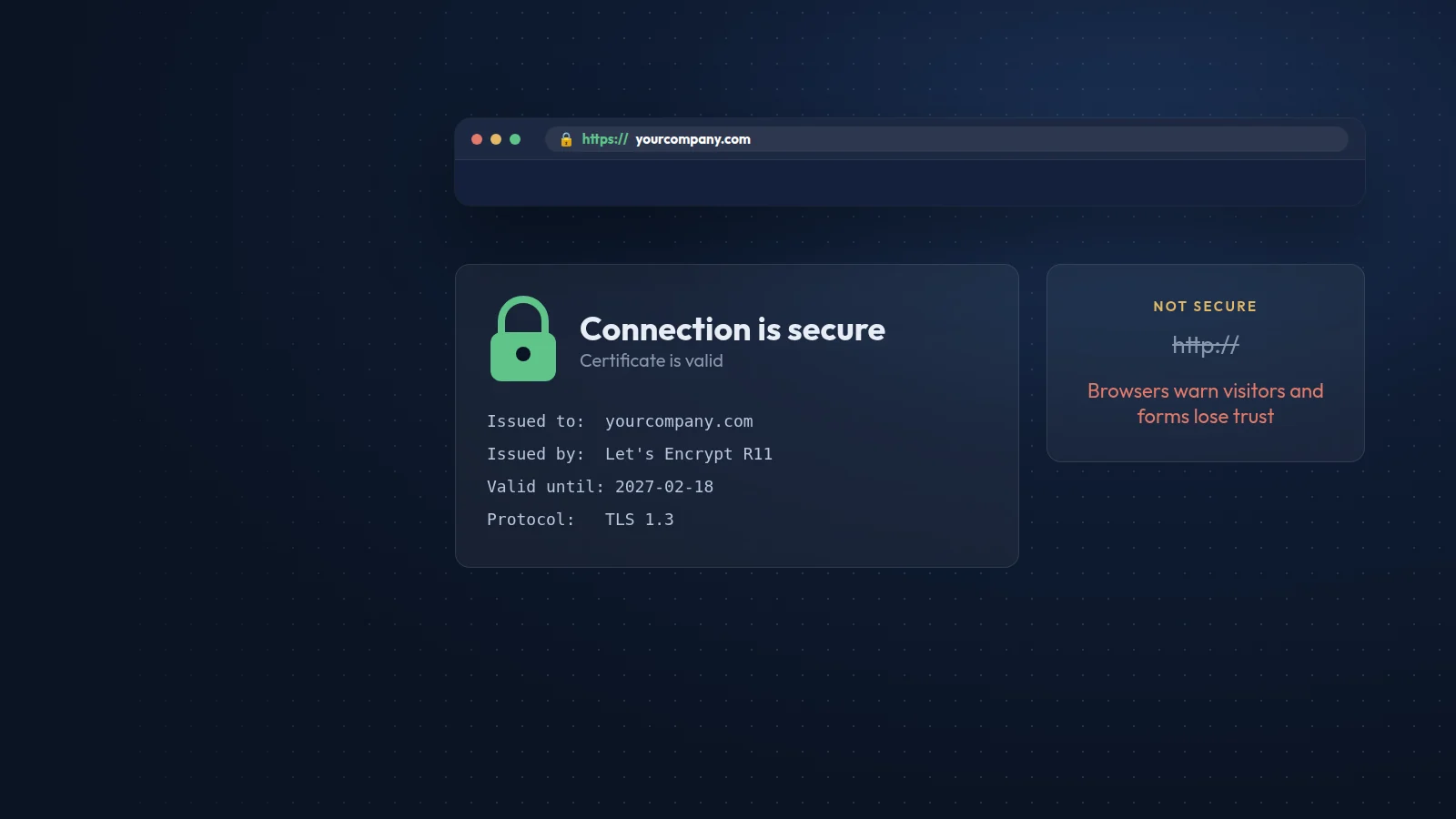
Certificate lifetimes are getting shorter. Under CA/Browser Forum ballot SC-081, public certificates issued since 15 March 2026 last at most 200 days, falling to 100 days from 15 March 2027 and 47 days from 15 March 2029. Automatic renewal is now essential.
Security headers are instructions the server sends with every page. HSTS forces HTTPS, Content-Security-Policy limits which scripts may run, X-Content-Type-Options stops file-type guessing and Referrer-Policy controls what is shared with other sites. They take minutes to add and close whole classes of attack.
FAQ
Frequently asked questions
Does HTTPS help SEO?
Yes, slightly. Google uses HTTPS as a lightweight ranking signal, and Chrome marks http pages as not secure, which hurts trust and enquiries more than rankings.
Can a Content-Security-Policy break my site?
Yes, if it is too strict. Start with Content-Security-Policy-Report-Only, watch for blocked scripts and tighten the policy step by step.
Why does the checker show the server name as a warning?
Headers such as Server or X-Powered-By with version numbers tell attackers which software to target. Hiding the version is a small, free improvement.

Contact
Prefer that we fix it for you?
Send a short brief and we will reply with a plan and a fixed quote within one working day.