














Free tools
Google snippet preview
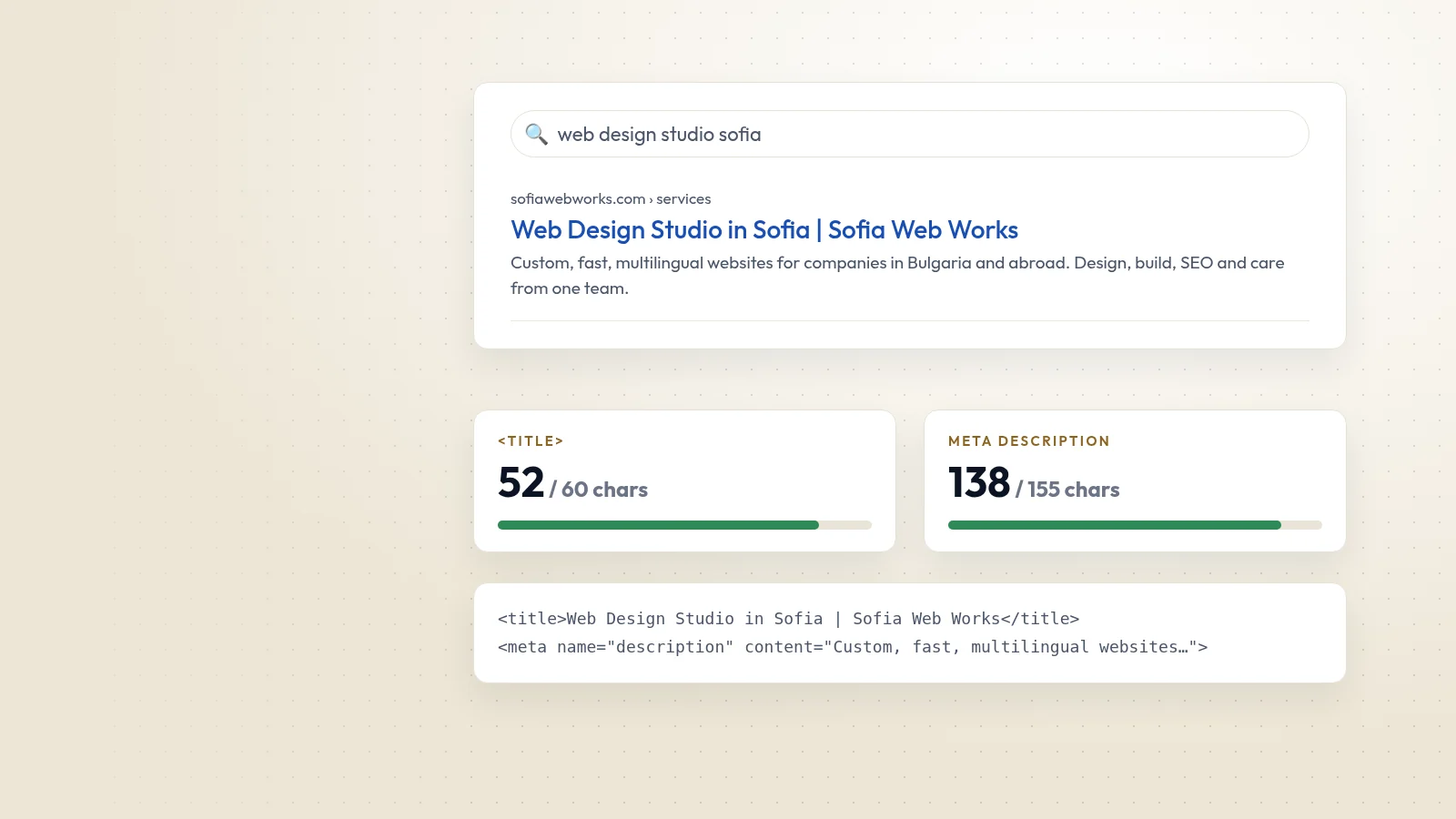
Write your title and description and see an approximate preview of the search result, with a width check so nothing important gets cut off.
Preview · Desktop
Preview · Mobile
How to use it
How to use it
- 01
Enter the page address, title and meta description
- 02
Watch the width bars; keep the key words in the first part
- 03
Copy the finished HTML tags into your page
What you should know
What you should know
Google truncates title links to fit the device width, roughly 600 pixels on desktop. It may also rewrite a title that is vague, stuffed with keywords or does not match the page.
Meta descriptions are not a ranking factor, but a clear one can earn the click. Google often shows a different snippet if another part of the page answers the search better.
FAQ
Frequently asked questions
What is the ideal title length?
Google has no fixed limit. Around 50 to 60 characters usually fits on desktop; this tool measures the approximate width instead of counting characters.
Why does Google show a different title?
Google may use the H1, other headings or link text when your title is missing, repetitive or misleading. A clear, unique title that matches the H1 reduces rewrites.

Contact
Prefer that we fix it for you?
Send a short brief and we will reply with a plan and a fixed quote within one working day.