







Free tools
Image compressor
Drop in photos, choose a width and quality and download lighter files for your website. Everything happens on your device.
How to use it
How to use it
- 01
Drop images or choose files (JPEG, PNG or WebP)
- 02
Set the maximum width, format and quality
- 03
Compare the sizes and download each file or all of them
What you should know
What you should know
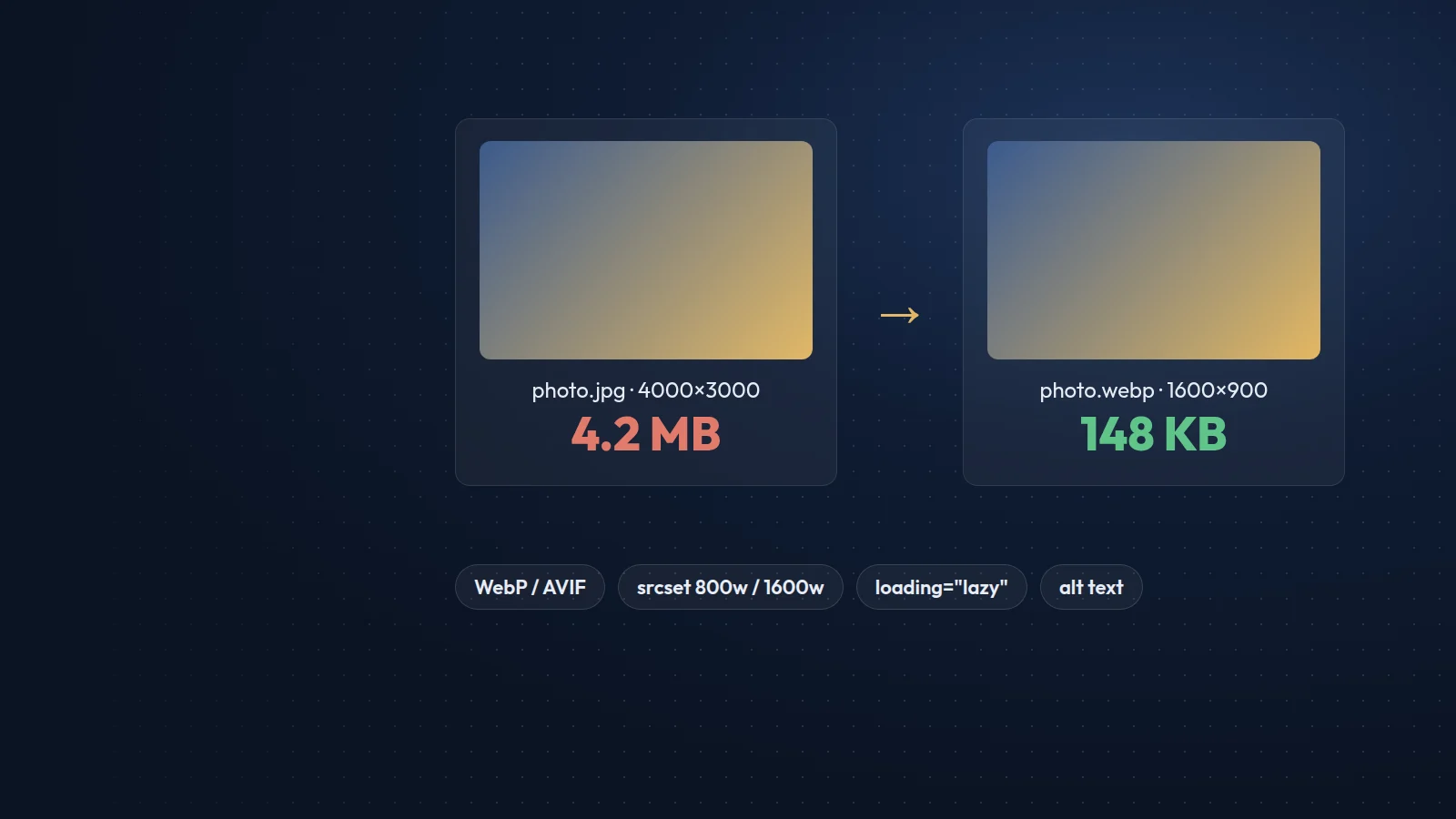
Images are usually the heaviest part of a page and often the largest contentful paint element. For most website photos, a width of 1600 pixels for full-width images and 800 pixels for cards, saved as WebP at a quality of 75 to 82, gives a good balance of sharpness and size.
The compressor redraws the image in your browser, which also removes EXIF metadata such as camera details and GPS location. WebP output needs a browser that can encode it; if yours cannot, the tool falls back to JPEG automatically.
FAQ
Frequently asked questions
Are my images uploaded anywhere?
No. The files are processed by your own browser and never sent to our server.
Should I use WebP or AVIF?
Both are well supported. WebP is fast to encode and works everywhere today; AVIF can be smaller but needs a build tool or image service. This tool exports WebP and JPEG.
Why did a PNG get bigger?
Screenshots and graphics with flat colours can already be small as PNG. Try WebP at a higher quality, or keep the original.
Free tools
More free tools

Contact
Prefer that we fix it for you?
Send a short brief and we will reply with a plan and a fixed quote within one working day.