
















Free tools
Website speed test
Enter any address to see how fast it loads for real visitors and what slows it down. Results come from Google's PageSpeed Insights API.
How to use it
How to use it
- 01
Paste the full address, including https://
- 02
Choose mobile (what Google uses for ranking) or desktop
- 03
Fix the largest items in the opportunity list first
What you should know
What you should know
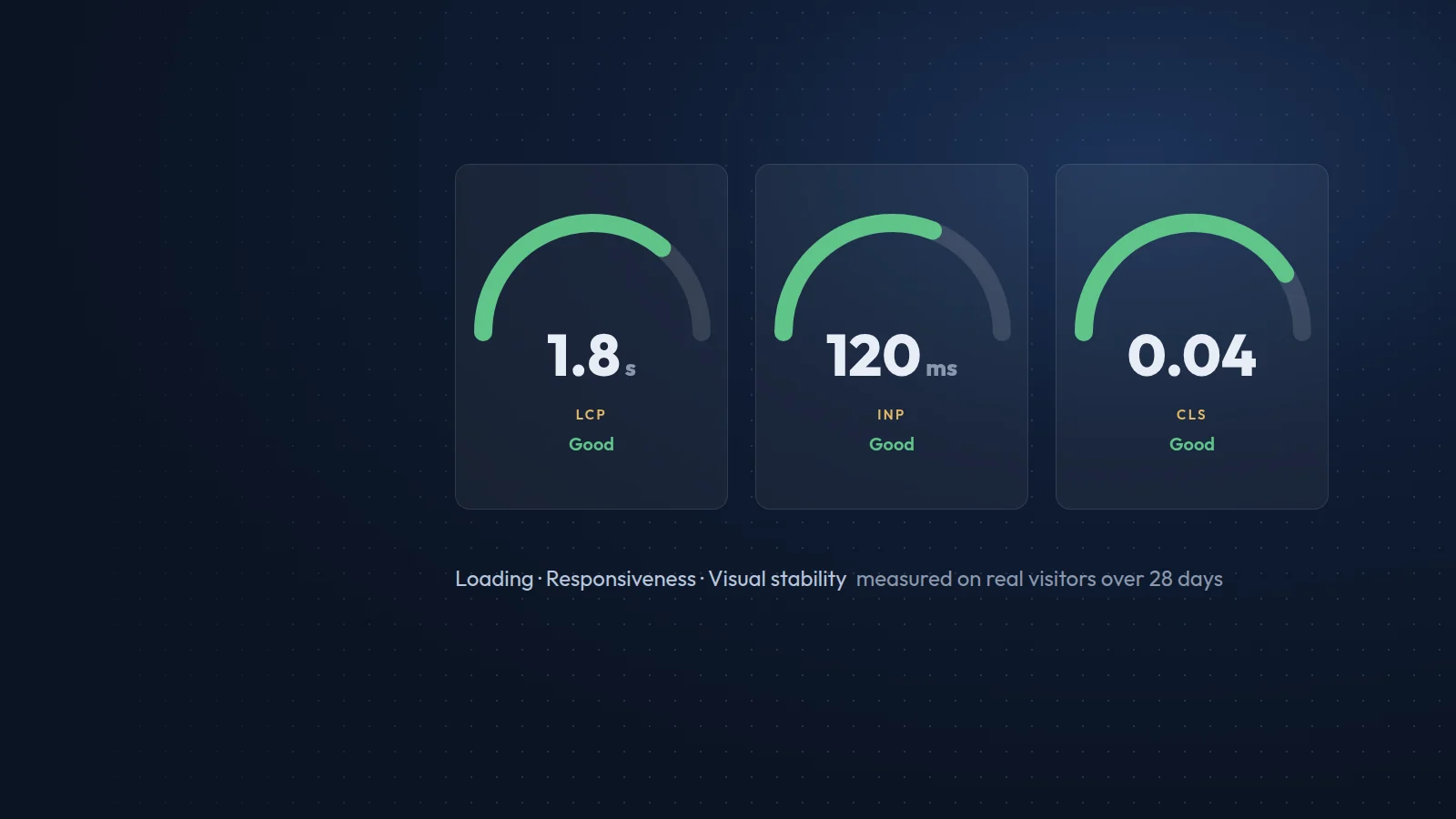
Field data shows what real Chrome users experienced over the last 28 days. A page passes Core Web Vitals when LCP is 2.5 seconds or less, INP is 200 milliseconds or less and CLS is 0.1 or less for at least 75% of visits.
Lab data comes from a single simulated load with Lighthouse. It is useful for debugging but changes from run to run. Small or new sites often have no field data yet; that is normal.
FAQ
Frequently asked questions
Why is my score different every time?
Lighthouse runs one simulated test, so network and server timing vary. Compare several runs and rely on field data where it exists.
Do I need a score of 100?
No. Aim to pass Core Web Vitals for real visitors. Google says a good page experience helps, but relevant content matters more.
Is my address stored?
Results are cached for one hour so repeated tests are fast. We do not use the addresses you test for anything else.
Free tools
More free tools

Contact
Prefer that we fix it for you?
Send a short brief and we will reply with a plan and a fixed quote within one working day.