












Bulgaria adopted the euro on 1 January 2026, and the period of mandatory dual price display ended on 8 August 2026. Most shops switched their main prices on time. What we still find when we audit Bulgarian online shops is everything around the price: a free-shipping threshold still written in leva, a product feed that sends BGN to Google, coupon codes worth "10 лв.", PDF price lists from 2025 and order emails with the old currency symbol. This guide lists what the rules say and where the leftovers usually hide.
The dates that matter
| Date | What changed | Source |
|---|---|---|
| 8 August 2025 | Mandatory dual display of prices in leva and euro begins | Evroto.bg |
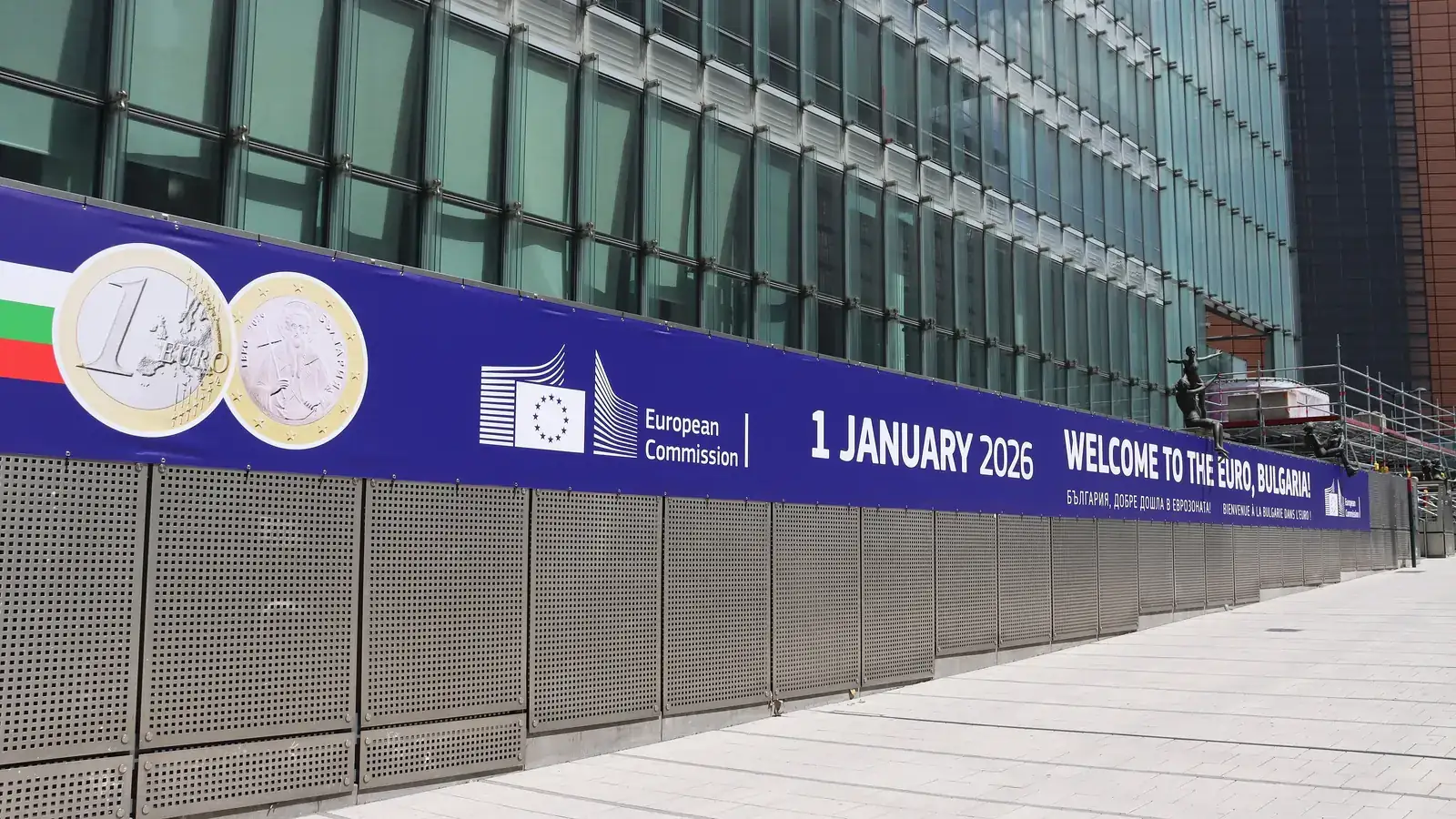
| 1 January 2026 | The euro becomes the currency of Bulgaria at 1 EUR = 1.95583 BGN | European Commission |
| 1–31 January 2026 | Dual circulation: leva and euro both accepted in cash | BNB |
| 8 August 2026 | Last day of mandatory dual display and of the ban on unjustified price increases | Evroto.bg |
| 9 August 2026 | Prices in euro only; a lev amount may be shown for information | BNR |
| 31 December 2026 | Last day commercial banks exchange leva into euro | BNB |
What the rules say now
Since 9 August 2026, prices must be shown in euro. You may still show the lev equivalent, but only as information, and the page must make it clear that the euro price is the price the customer pays. During the dual-display period both prices had to use the same font, size and colour; if you keep the lev figure now, make it visibly secondary so nobody can read it as the payable price.
Conversion uses the fixed rate of 1.95583 leva per euro, with the result rounded to the cent: if the third decimal is 5 or more, round up, otherwise round down. Converting a price of 49.90 лв. gives 25.51 €. The Evroto.bg questions and answers explain the rounding rules and the obligations of traders, and the Consumer Protection Commission checks shops and receives complaints.
Where old leva hide on an online shop
Prices you set by hand
- Shipping fees and free-shipping thresholds. "Free delivery over 100 лв." is a price promise. Convert it and decide whether to round to a clean euro figure; rounding down favours the customer and avoids complaints.
- Coupons and gift cards. Fixed-value codes created in leva need new euro values. Gift cards sold before the switch keep their value at the fixed rate.
- Bundles and "from" prices in category descriptions, banners and pop-ups. These are usually typed into text fields, so a currency switch in the shop settings does not reach them.
- Payment surcharges and cash-on-delivery fees in the checkout and in the courier module.
Things machines read
- Structured data. Product markup must use "priceCurrency": "EUR" and the euro price shown on the page. Google's merchant listing documentation requires the structured price to match what the visitor sees.
- Product feeds. Google Merchant Center, Facebook catalogues and price-comparison sites each read a feed. Check that every feed sends EUR and that old BGN feeds are switched off rather than left running beside the new ones.
- Payment gateway and courier integrations. Confirm the currency of the amount sent to the payment provider and of cash-on-delivery amounts sent to the courier.
Words people read
- Order confirmation, shipping and refund emails.
- PDF price lists, catalogues and terms and conditions.
- Blog posts and guides with prices. Old articles can stay as they are if they are clearly dated, but add a short note with the euro figure where readers still rely on the price.
- Google Business Profile price lists and ad texts.
Discounts and the 30-day lowest price
When you announce a price reduction, EU rules introduced by the Omnibus Directive require the "before" price to be the lowest price you applied in the previous 30 days. If that earlier price was set in leva, convert it at the fixed rate before you compare. Showing a rounded-up euro "before" price makes the discount look larger than it is and is exactly the kind of practice regulators look for.
Refunds and returns for orders paid in leva
A customer who ordered in December 2025 and returns the goods today is refunded the same amount, converted at 1.95583. Your shop system should store the original currency of each order so the refund is calculated from the amount actually paid, not from today's product price.
A 30-minute check you can do today
| Area | What to check | Typical fix |
|---|---|---|
| Product pages | Euro price shown as the payable price; lev figure, if any, clearly secondary | Remove or restyle the lev line |
| Cart and checkout | Shipping, surcharges, thresholds and totals in euro | Update courier and payment module settings |
| Structured data | priceCurrency is EUR and matches the page | Fix the template or plugin setting |
| Feeds | Merchant Center and catalogues in EUR; old feeds off | Reconnect the feed, delete the BGN one |
| Coupons | No fixed lev values left | Recreate codes in euro |
| Emails and PDFs | No "лв." in templates or attachments | Edit templates; regenerate PDFs |
| Old content | Prices in articles dated or noted | Add a short note with the euro figure |
Search your own site for "лв", "BGN" and "лева". On most shops this takes a few minutes in the admin, and it finds almost everything that the currency setting missed.
What we do in a euro clean-up
We go through the shop page by page, the checkout, the emails, the feeds and the structured data, and list every place where leva remain. Most fixes are settings and templates; a few need small code changes in the theme or in a courier module. If you also want the shop checked against the other rules that changed in 2025 and 2026, see our e-commerce law checklist.
Sources
- Evroto.bg: questions and answers for citizens and businesses
- Evroto.bg: end of mandatory dual price display
- Consumer Protection Commission
- Bulgarian National Bank: questions and answers on the euro
- BNR: from tomorrow, prices only in euro
- European Commission press release IP/25/3123
- Google: merchant listing structured data
- Directive (EU) 2019/2161 (Omnibus)