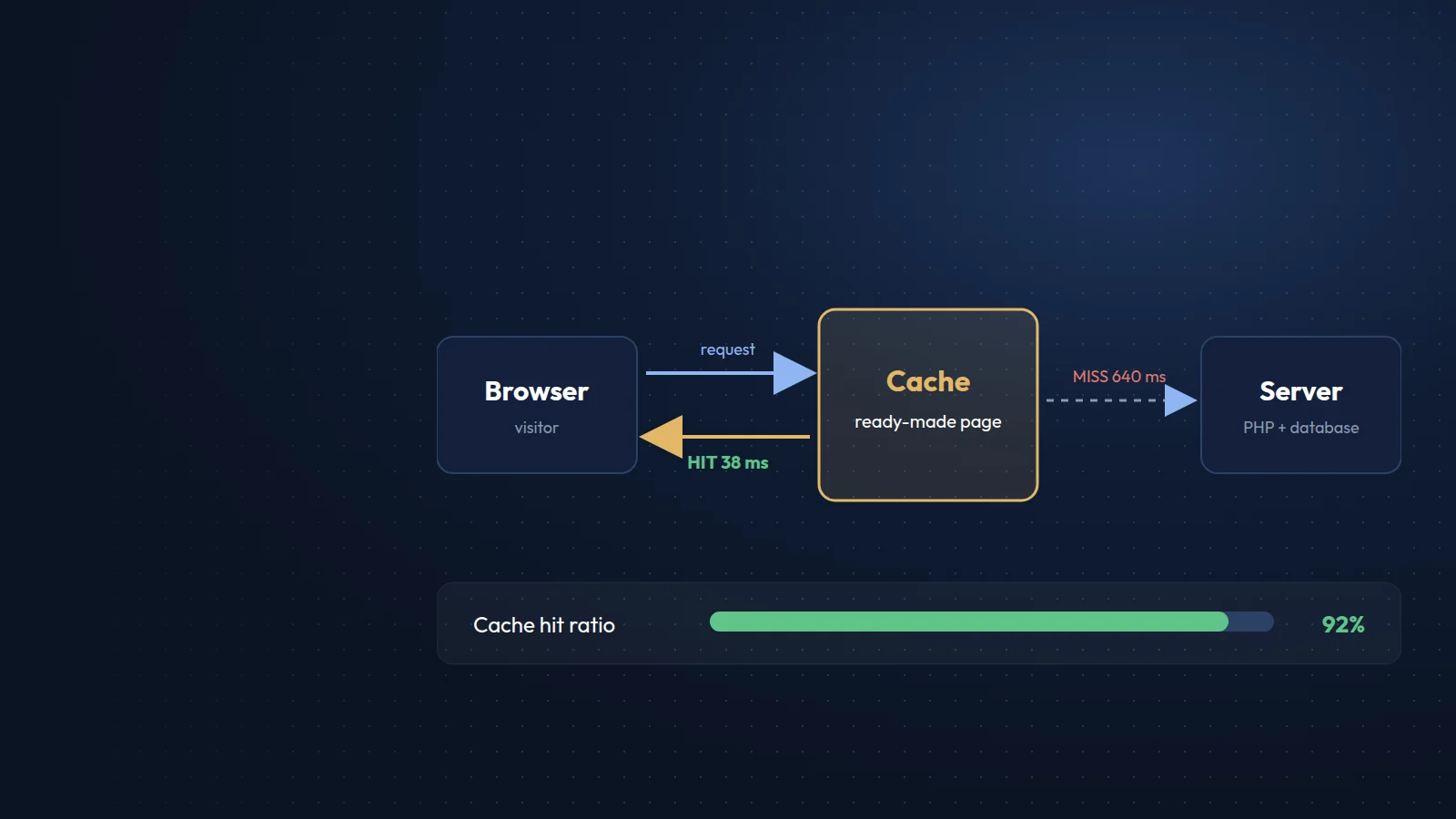





















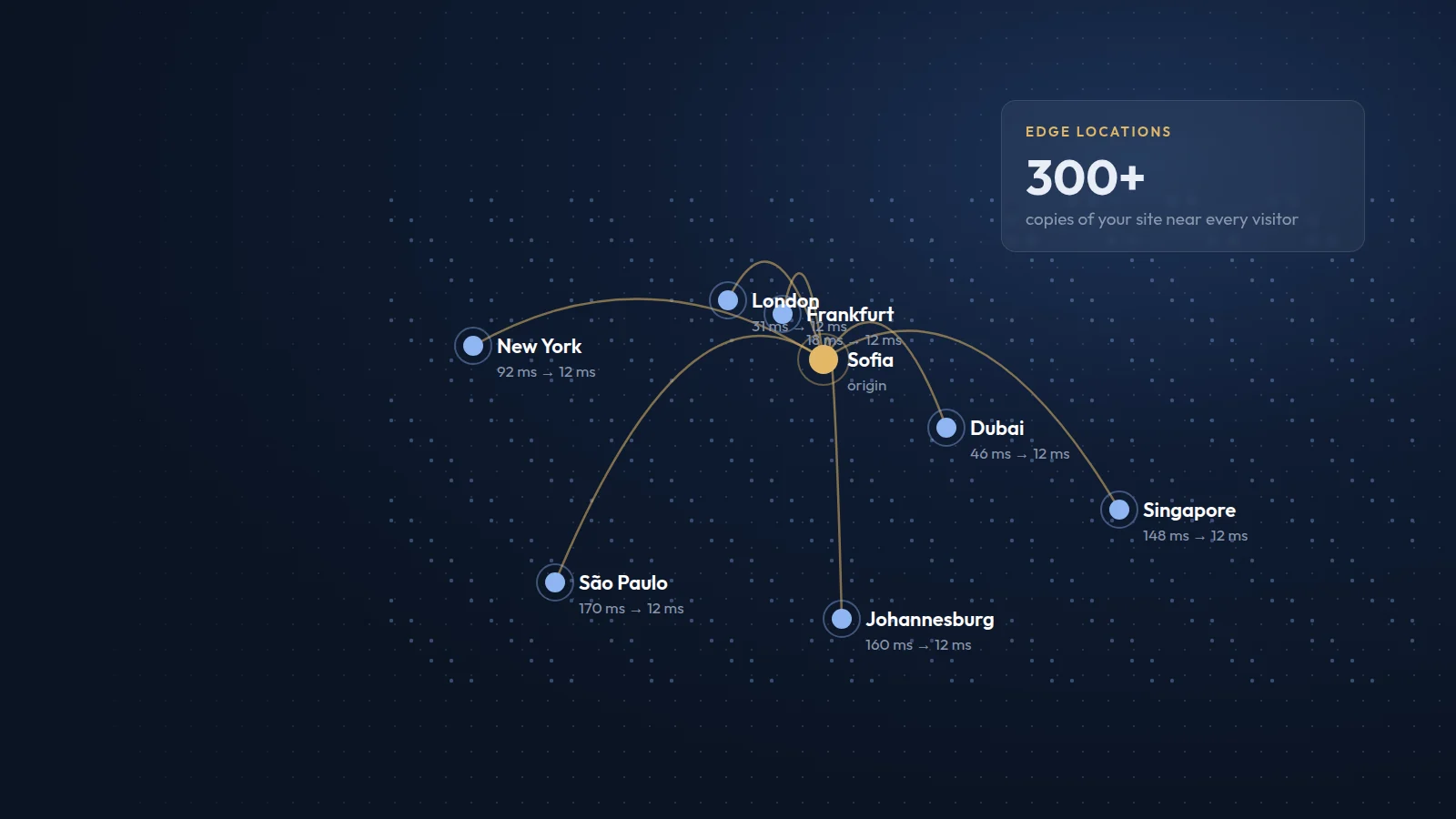
A content delivery network, or CDN, is a network of servers in many locations around the world that keep copies of your website's files and deliver them to visitors from the location closest to them. Instead of every request travelling to your one hosting server, most of it is answered nearby.
How a CDN works
Your website still lives on its origin server. When a visitor in, say, Dubai opens a page, the CDN checks whether its Dubai location already has the images, stylesheets and scripts that page needs. If it does, it serves them immediately. If not, it fetches them once from your server, stores them and serves every following visitor in that region from the local copy.
Benefits
- Faster pages for visitors far from your server, because data travels a shorter distance.
- Less load on your hosting, since most requests for static files never reach it.
- Better resilience during traffic spikes, such as a campaign launch or press coverage.
- Protection against many types of attack, as most CDNs include DDoS mitigation and a web application firewall.
- Modern delivery features, such as HTTP/3, automatic compression and image optimisation, often included.
When a CDN is worth it
- Your visitors come from several countries or continents.
- The site has many images, videos or downloads.
- You run a shop, portal or publication with occasional heavy traffic.
- You want an extra layer of security in front of your server.
For a small local business whose customers and server are in the same country, a well-configured host with good caching may already be fast enough, but a CDN rarely hurts and basic plans are often free.
What to watch out for
- Cache rules. Make sure carts, checkouts, logins and forms are never cached for the wrong visitor.
- Updates. Use versioned file names or purge the CDN cache after deployments, so visitors see changes immediately.
- DNS and SSL. Many CDNs work by taking over your DNS; plan the switch carefully and keep email records intact.
- Real IP addresses. Configure the server to read the visitor's real IP from the CDN headers, or rate limits and logs will see only the CDN.
- Data protection. Check where the provider processes data and include it in your privacy documentation.
We set up and tune CDNs for multilingual portals and international sites where visitors come from many regions. For many projects, it is one of the simplest ways to make a site feel fast everywhere.