
















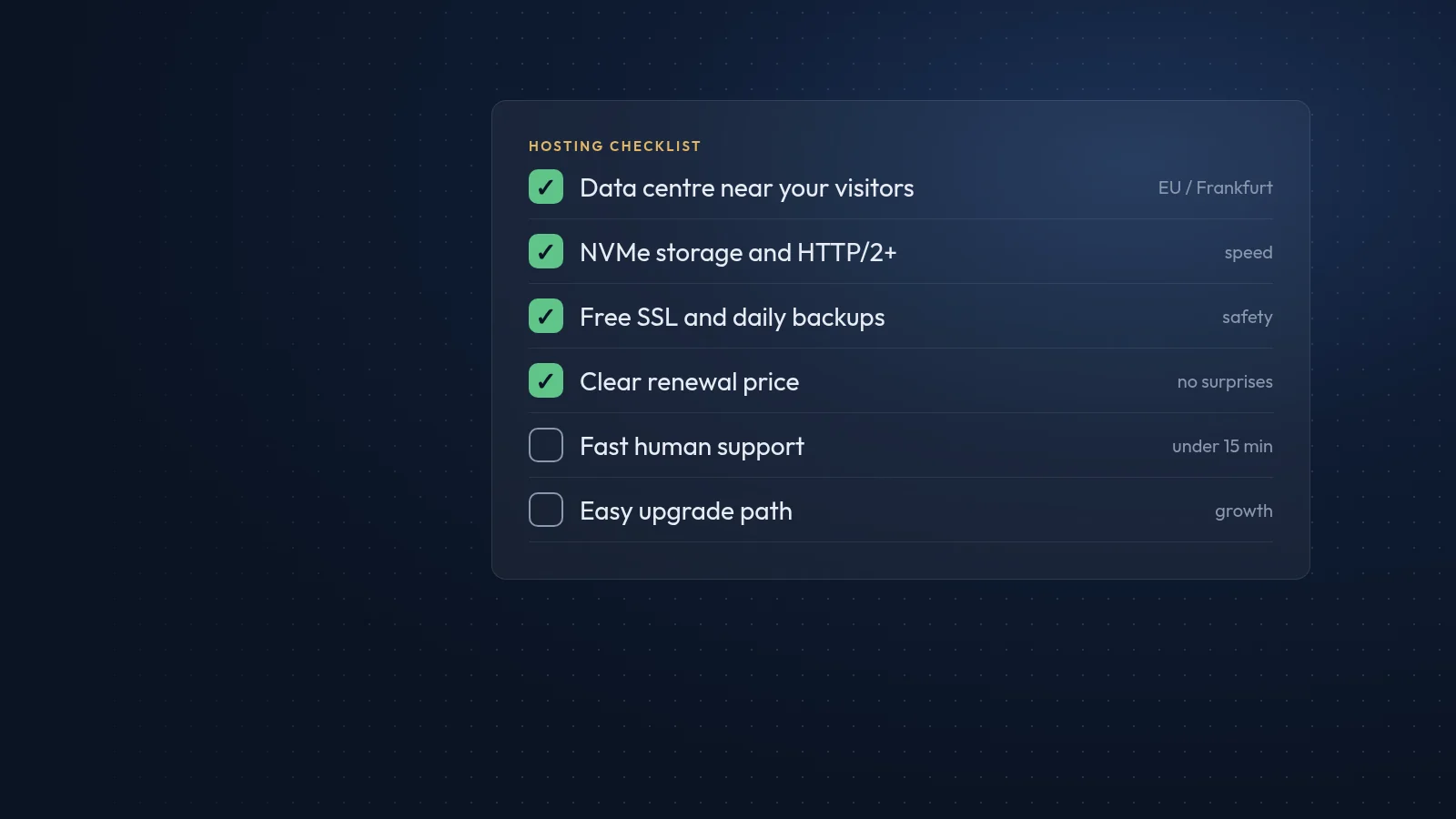
Web hosting is the service that stores your website's files and database on a server connected to the internet, and delivers them to visitors. The right hosting is invisible: pages load quickly, the site stays online and backups are there when you need them. The wrong hosting shows up as slow pages, outages and support tickets that go unanswered.
The main types of hosting
- Shared hosting. Many sites share one server's resources. It is the cheapest option and works well for small business sites with moderate traffic.
- VPS (virtual private server). One physical server is divided into isolated virtual machines, each with guaranteed resources and full configuration control. A good step up for growing sites and custom applications.
- Dedicated server. A whole physical machine for one customer. Maximum performance and control, at a higher cost, and it needs someone to manage it.
- Cloud hosting. Resources run across a pool of servers and can be scaled up or down quickly. Useful for sites with variable traffic or complex applications.
- Managed hosting. The provider, or your agency, takes care of updates, security, backups and monitoring, whichever infrastructure sits underneath.
Questions to ask before you choose
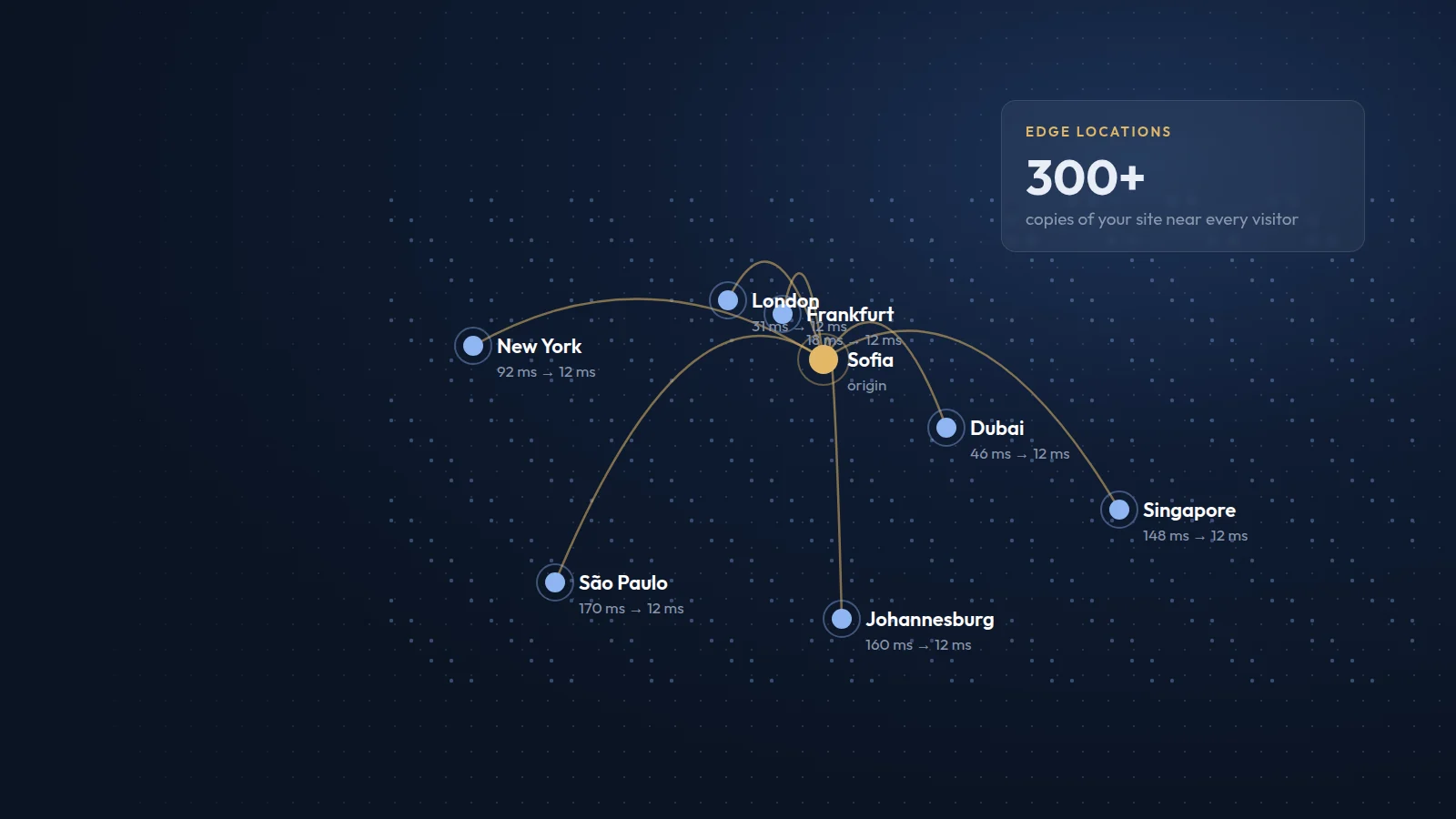
- Where are the servers? Hosting close to your visitors, for example in the EU for Bulgarian and European customers, reduces latency and simplifies GDPR compliance.
- What exactly is included? Check storage type (NVMe SSD), PHP and database versions, number of sites, email accounts and SSL certificates.
- How are backups handled? Daily automatic backups, kept off the server, with simple restores, are the minimum.
- What security is in place? Firewalls, malware scanning, isolated accounts and quick security updates.
- What uptime is promised, and what happens if it is not met?
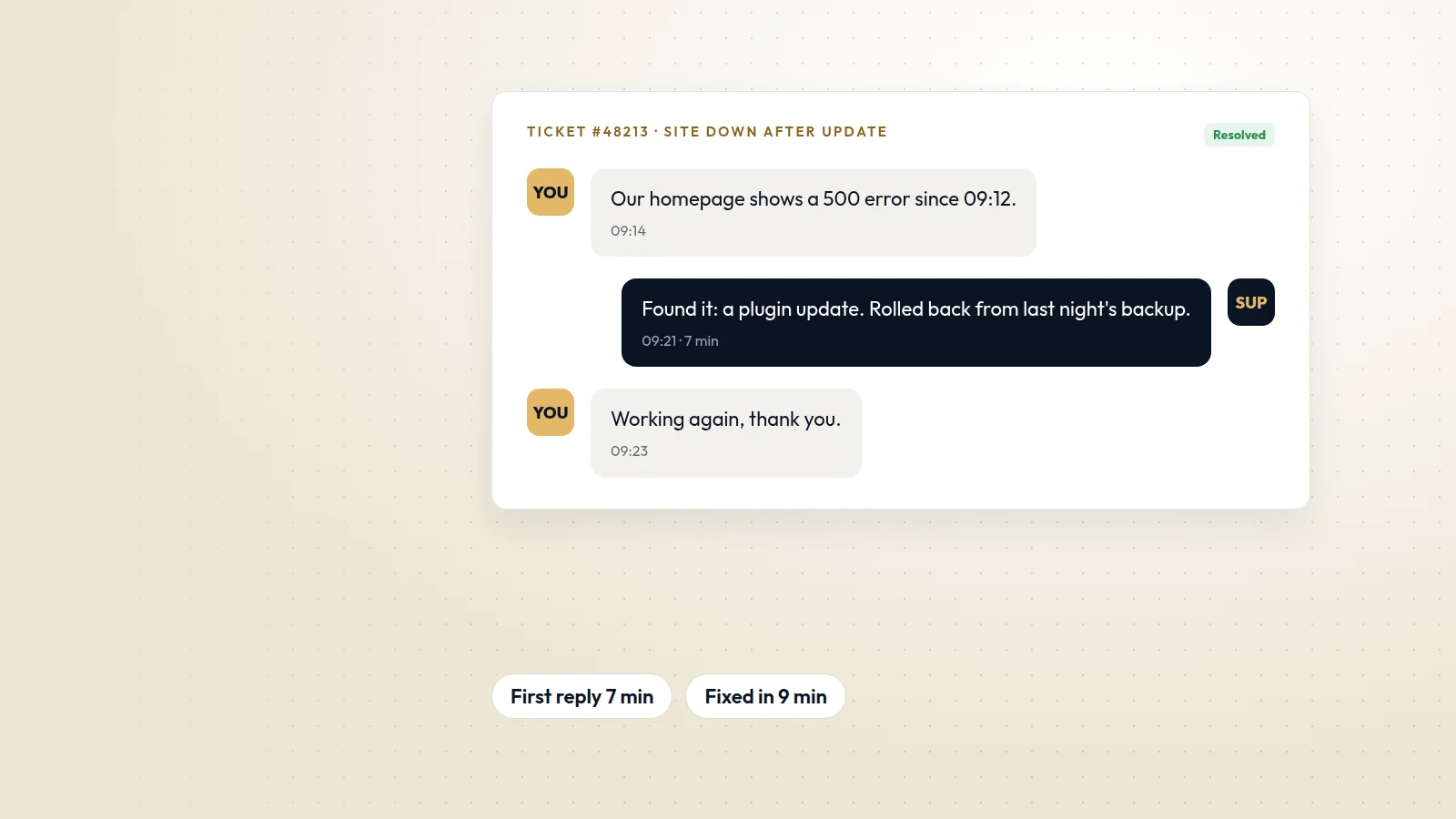
- How do you reach support, and how fast do they respond?
- What does renewal cost after the introductory period?
Matching hosting to the site
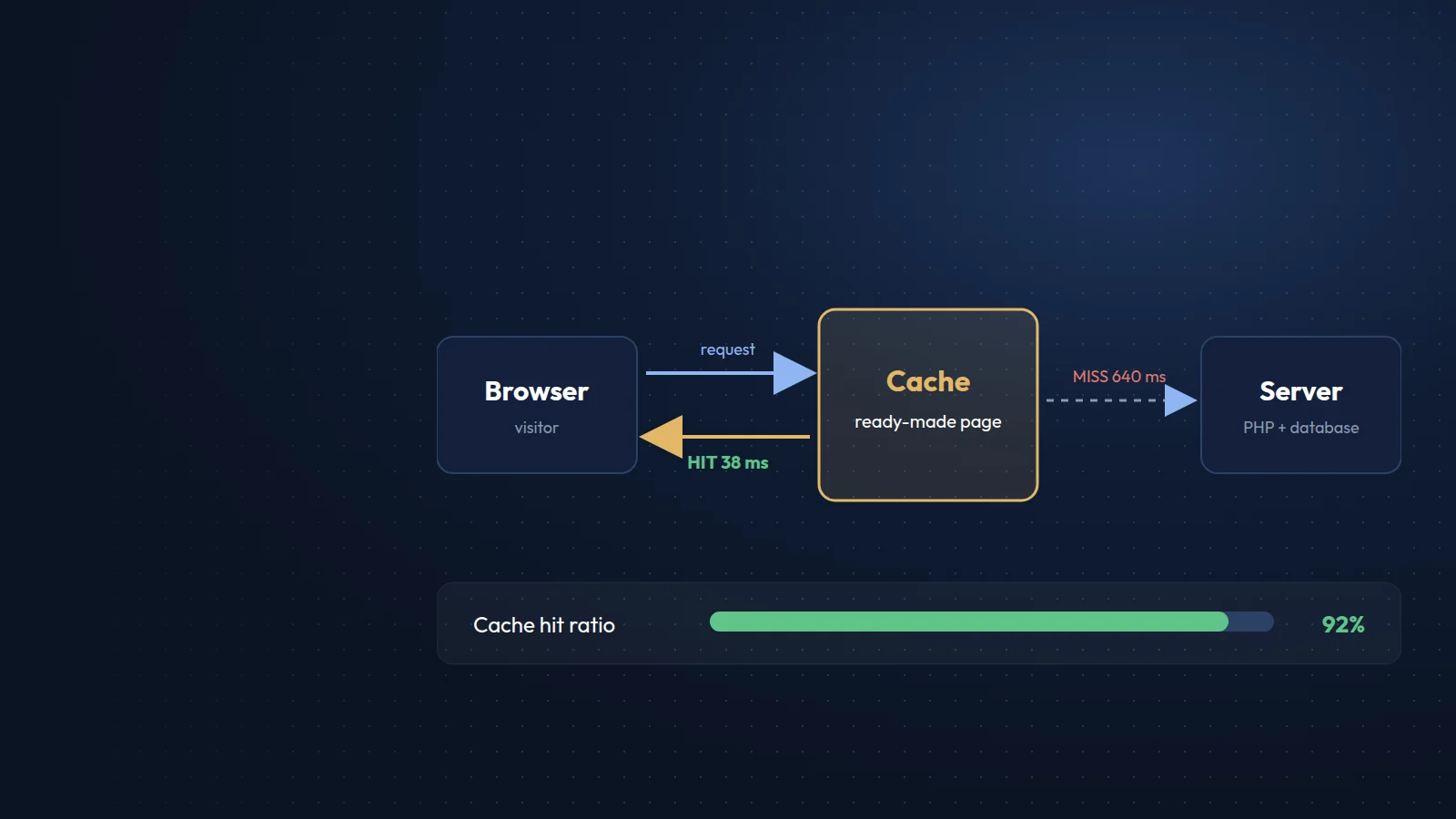
A brochure site or a static site like this one runs comfortably on good shared hosting or a small VPS. A WooCommerce shop, a large directory or a multilingual portal with thousands of pages usually needs a VPS or cloud setup with caching, a CDN and more memory. If you are unsure, start with a plan that can be upgraded without moving the site.
Do not forget the exit plan
Make sure you can download full backups of files and databases at any time, and keep your domain registered separately. If you ever need to move, a clean migration then takes hours rather than weeks.
We host and maintain most of the websites we build, on EU-based servers with daily backups and monitoring, so clients do not have to manage hosting themselves.