



















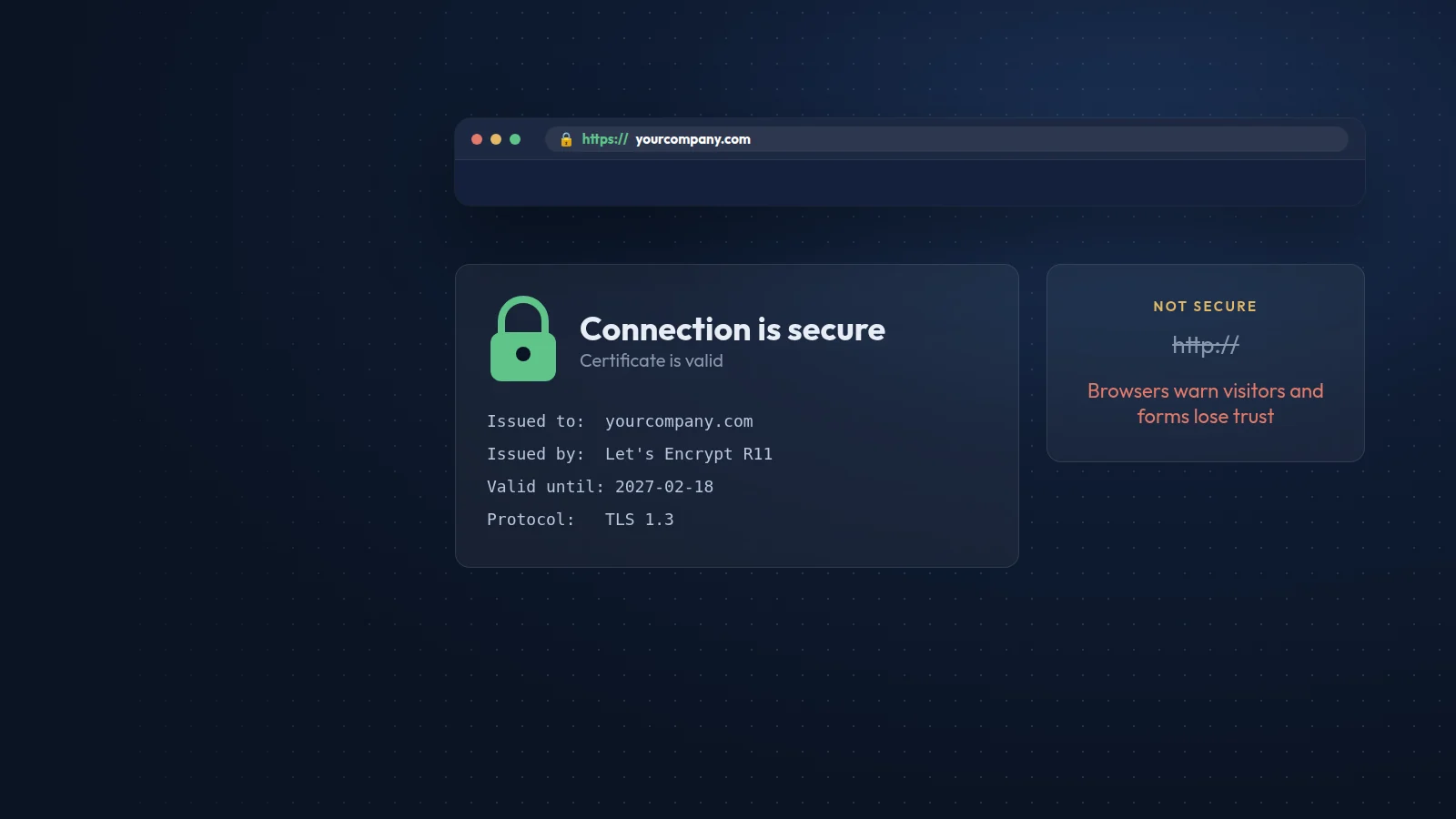
An SSL certificate allows your site to load over HTTPS, encrypting everything that travels between the visitor's browser and your server. Strictly speaking, the protocol in use today is TLS, the successor to SSL, but the name "SSL certificate" has stuck.
Why it matters
- Browser warnings. Chrome has labelled every HTTP page "Not secure" since 2018, and other browsers show similar warnings. Many visitors leave as soon as they see it.
- Data protection. Without encryption, contact forms, logins and payment details can be read or altered on public Wi-Fi and other networks.
- Speed. Browsers only use HTTP/2 and HTTP/3 over encrypted connections, and these protocols load pages with many files noticeably faster.
- Search. Google confirmed HTTPS as a ranking signal back in 2014. It is a light signal, but there is no reason to give it away.
- Features. Many modern browser features, such as geolocation, service workers and some payment APIs, only work on HTTPS.
Which certificate do you need?
For almost every business website, a free domain-validated certificate from Let's Encrypt or your hosting provider is all you need. It provides the same encryption as paid certificates. Organisation-validated and extended-validation certificates verify the company behind the site, but browsers no longer show special green bars for them, so their visible benefit is small.
How to switch safely
- Install the certificate and enable automatic renewal; Let's Encrypt certificates are short-lived and renew automatically on most hosting panels.
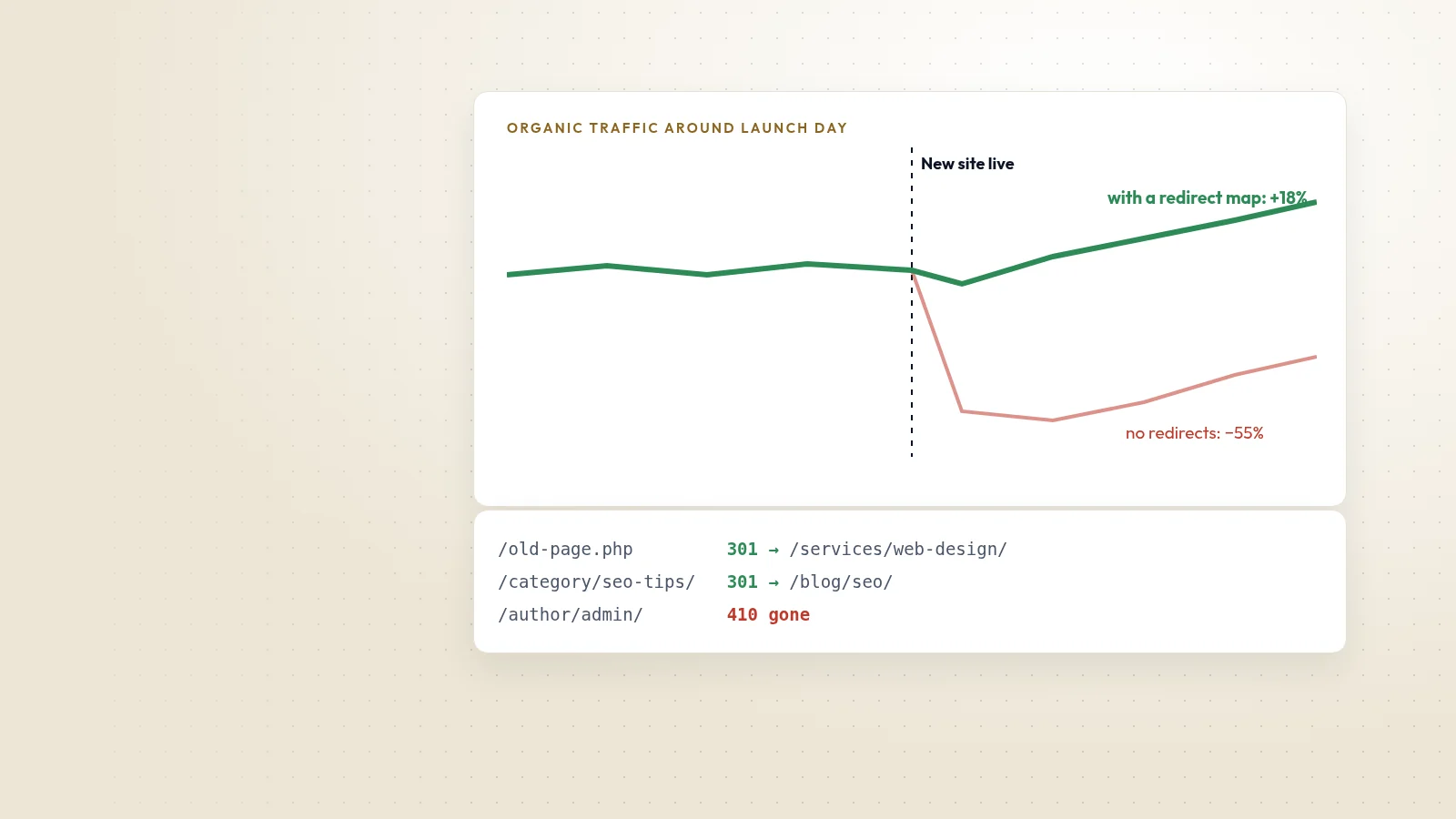
- Redirect every HTTP address to its HTTPS version with a permanent 301 redirect, and choose either www or non-www as the single main version.
- Update internal links, images, scripts and the canonical tags to use https://.
- Fix mixed-content warnings, where an HTTPS page still loads files over HTTP.
- Update your sitemap and check the HTTPS property in Google Search Console.
- Once everything works, consider adding an HSTS header so browsers always use HTTPS.
Keep it working
Expired certificates cause full-page browser errors that stop visitors completely. Monitor expiry dates, especially if renewal is manual or if you use a CDN or a separate mail server. On the sites we host, certificates renew automatically and we check them as part of regular maintenance.