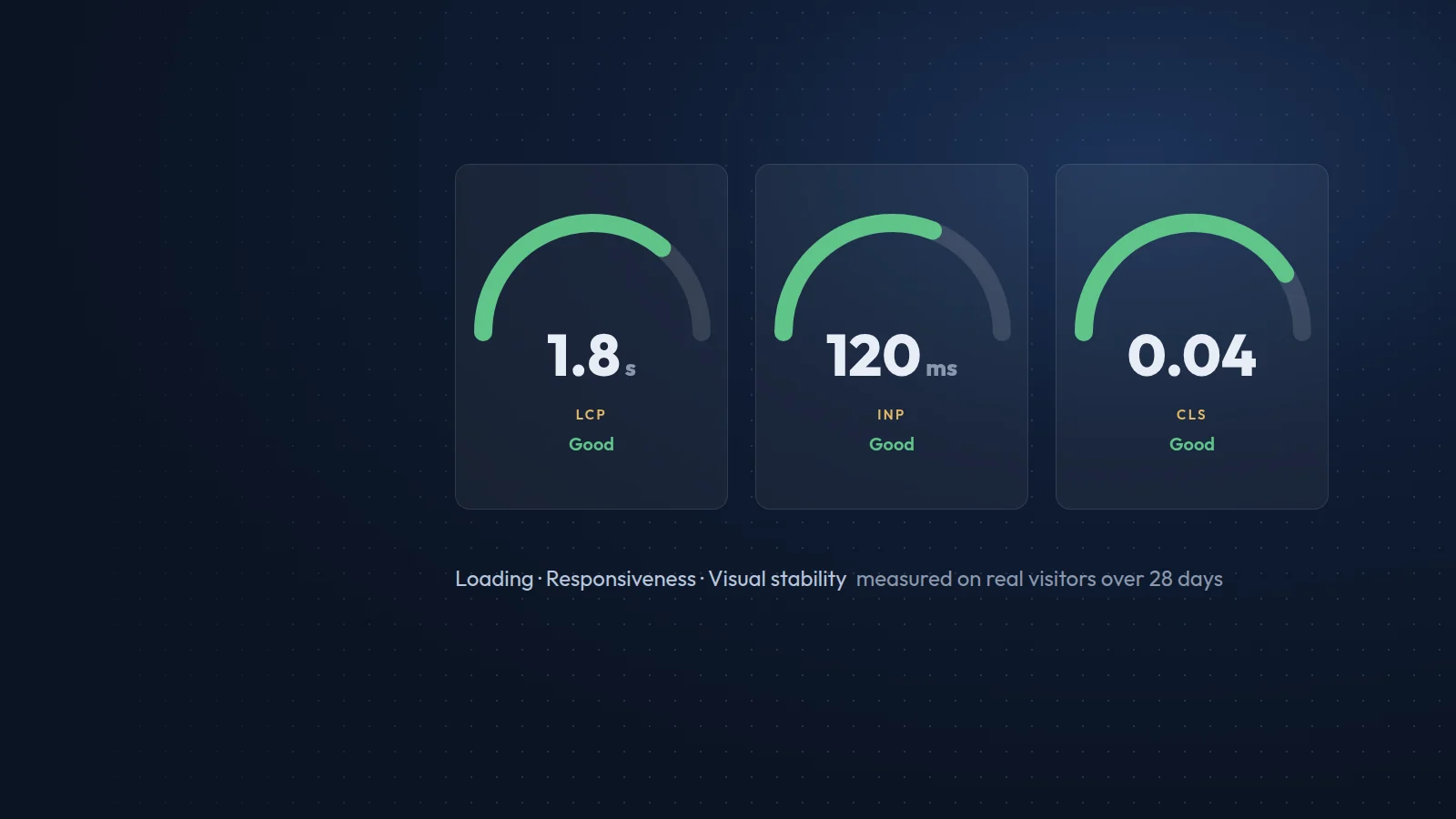


















Images are usually the heaviest part of a web page, and the main image is often the element Google uses to measure Largest Contentful Paint. Getting images right is one of the quickest ways to make a site faster and to win traffic from image search.
Resize before you upload
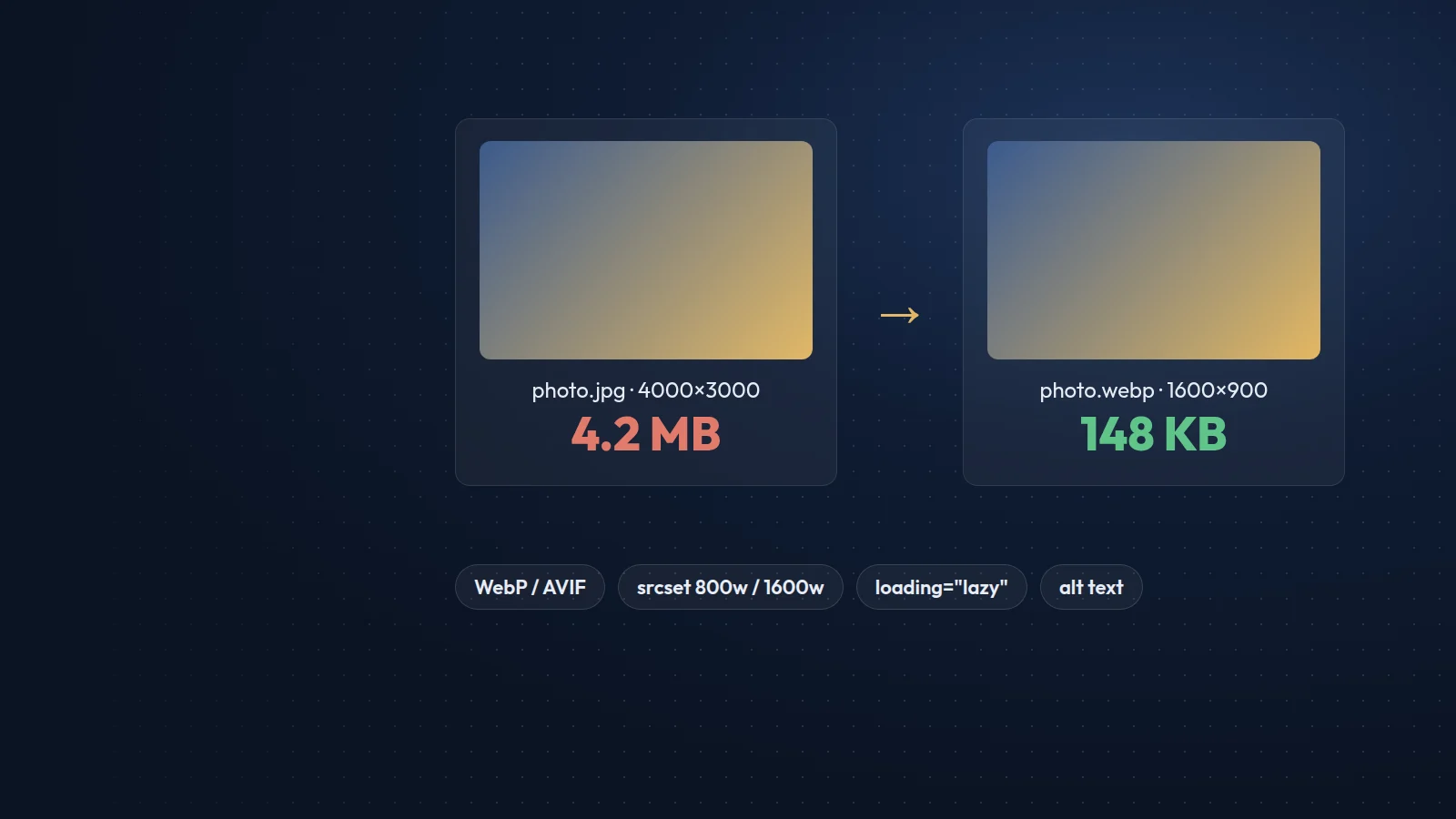
Never upload a 5,000-pixel photo to show it in a 1,200-pixel space. Export images at the largest size they will actually be displayed, then let the site generate smaller versions for phones and tablets.
Compress, and choose the right format
- WebP is supported by every modern browser and is typically much smaller than JPEG at the same visual quality.
- AVIF can be smaller still and is now widely supported; serve it with a WebP or JPEG fallback if you need to cover older browsers.
- Use SVG for logos, icons and simple illustrations; it stays sharp at any size.
- Keep PNG for images that genuinely need lossless quality or complex transparency.
A quality setting of around 75 to 82 is usually indistinguishable from the original for photographs.
Serve responsive images
Use srcset and sizes so a phone downloads an 800-pixel image while a large desktop gets the 1,600-pixel version. Always set width and height attributes (or a CSS aspect ratio) so the browser reserves space and the layout does not jump while images load, which protects your Cumulative Layout Shift score.
Lazy load, but not everything
Add loading="lazy" to images below the fold. Do not lazy load the main hero image: give it fetchpriority="high" instead, so it appears as early as possible.
Name and describe images properly
Use descriptive file names such as sofia-office-meeting-room.webp instead of IMG_4821.jpg. Write alt text that describes what the image shows and why it is there, in the language of the page. Decorative images should have an empty alt attribute so screen readers skip them.
Help search engines find them
Place important images near relevant text, include them in your structured data where appropriate (for example as the image of an article or product), and make sure they are not blocked in robots.txt. For large catalogues, an image sitemap helps.
Check your results
Run Lighthouse or PageSpeed Insights on key templates, not just the homepage. The report will list oversized images, missing dimensions and images that could use a modern format. Fix the template once and every page that uses it improves.